Why Your Mac’s Email Spam Filter Still Lets the Noise Through
· Matt Senter
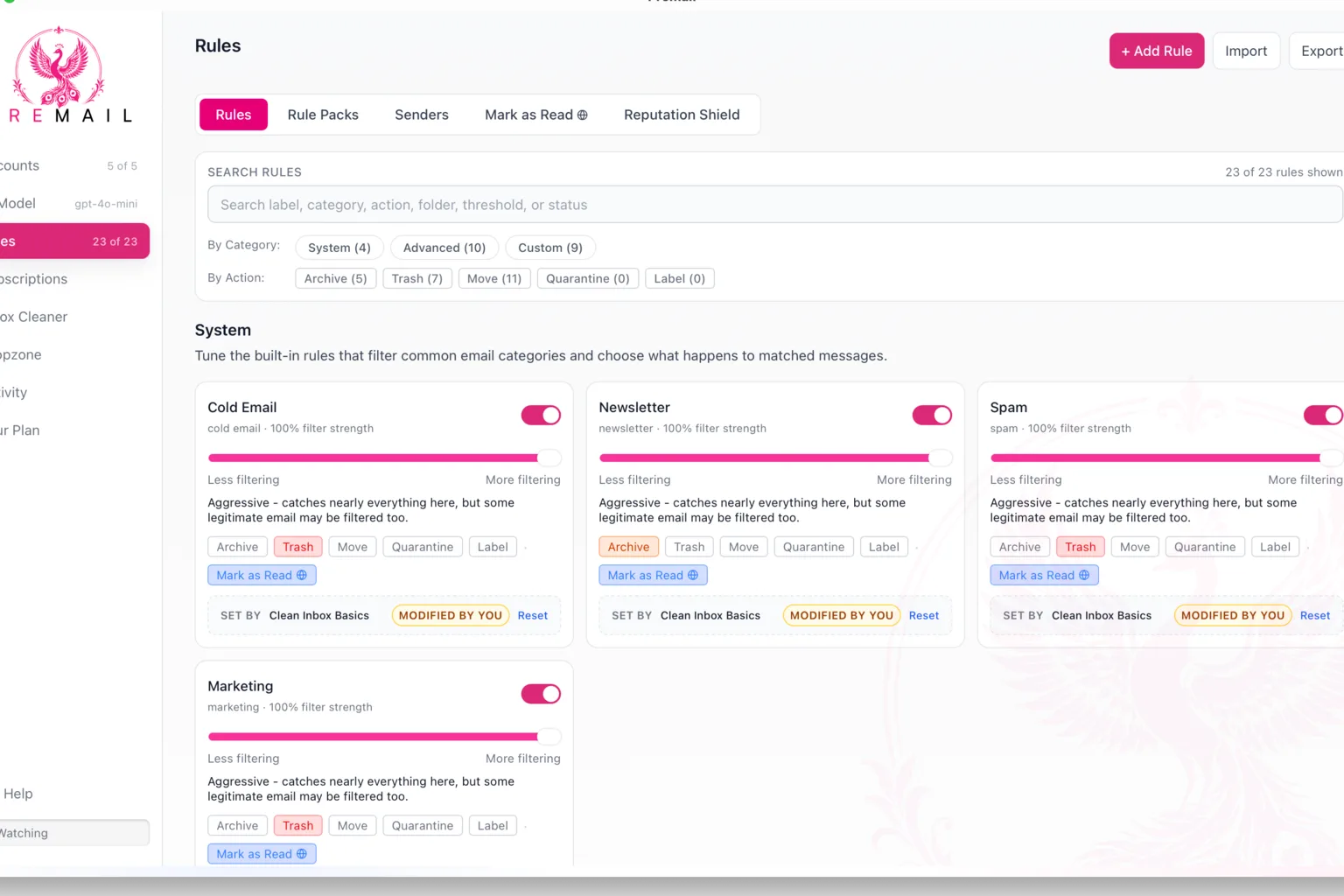
If you are looking for an email spam filter for your Mac, you almost certainly have one already. Apple Mail has a junk filter built in, and your email provider runs its own before a message ever reaches your machine. Yet the recruiter pitch, the third “just following up” from a sales tool, and the newsletter you never signed up for are still sitting in your inbox.
I built Premail because of that gap. This is not a setup guide. It is my argument for why the filters you already have miss this kind of mail, and why I think the fix belongs on your own computer rather than on somebody else’s server.
What does Apple Mail’s junk filter actually do?
More than it gets credit for. Apple’s documentation says the filter improves each time you mark a message as junk or not junk, and you can block individual senders outright.
The settings are where the design shows. Mail can exempt messages from people in your Contacts, people you have written to before, and messages addressed using your full name. It can also trust the junk mail headers your provider has already added.
Those are sensible defaults for catching junk. They are also exactly what a well-researched cold email is built to pass. A recruiter who writes to you by your full name is, by one of those rules, the kind of sender Mail can be told to leave alone.
Why does server-side filtering miss recruiter spam?
Because most of it is not spam in the sense those systems were built to fight. Gmail’s sender guidelines require authentication such as SPF or DKIM, and bulk senders also need DMARC and one-click unsubscribe. A professional outreach platform can meet all of that. Authentication proves who sent a message. It says nothing about whether you wanted it.
The law draws the same line. The FTC’s CAN-SPAM compliance guide sets rules for commercial email, like honest headers and a working opt-out, rather than banning unsolicited messages. A compliant cold pitch can be legal, authenticated, and personalized all at once. To a spam filter, it looks fine.
Your own feedback helps at the margin. Google says that as you report more spam, Gmail identifies similar emails as spam more efficiently. But that is a correction loop. You still have to see the message, judge it, and click, which is the attention you were trying to save.
Is recruiter outreach spam or just noise?
For most people, it is noise: mail that is technically legitimate but not for you right now. That category is personal. A newsletter one person relies on is clutter to someone else, and a note from a stranger might be the most important message of your week. I made that case at length in Email is awful. AI can fix it, but only if we protect the inbox.
Sender reputation and keyword rules cannot make that call, because the answer depends on what a message means and who is reading it. That is the kind of judgment language models are good at, which is why AI inbox tools exist at all.
What do cloud AI inbox tools cost you?
The obvious design is to connect your account to a service, let its servers read your mail, and send the contents to a model. It works. It also means a copy of one of the most sensitive records you own is being processed somewhere you do not control.
Google takes that seriously. Its restricted-scope rules say an app that can access Gmail data from or through a third-party server must go through a security assessment. That review exists because the risk is real. It lowers the risk, but the copy still exists.
I do not think the answer is to avoid AI. I think the answer is to stop assuming the intelligence has to live on someone else’s computer.
What does classifying on your own machine look like?
In the design of Premail, classification runs on your desktop, and there is no Premail server in the path of your mail. On a Mac you can classify with a local model through Ollama, or with Apple’s on-device Apple Intelligence model on a compatible Mac running macOS 26 or later. If you would rather use a cloud model, you can bring your own Anthropic or OpenAI key, and sending mail to that provider becomes a choice you make knowingly.
A few design decisions followed from that constraint:
- Categories, not a pile of hand-written filters. Premail recognizes cold outreach, newsletters, marketing, and spam, and you decide per category what happens to them.
- Upstream of your mail client. You keep Apple Mail, Outlook, or whatever you already use, with the accounts you already have.
- Preview before trust. Learning Mode shows what Premail would do without touching a single message, so you can judge it on your real mail.
- A record of every decision. The activity log means a filtered message is never a mystery.
Running locally is harder. It rules out some things a cloud service could do more easily, and a laptop is not a data center. I think the trade is right for email specifically, because the inbox is where password resets and account recovery land.
Does a better filter change how you use email?
It did for me. Once I trusted the filtering, I stopped opening my inbox on reflex and started relying on scheduled briefings, which I wrote about in Stop checking your email. A summary of an unfiltered inbox is just the inbox again, so the filter has to come first.
It also surfaced something I had overlooked: the notification for a customer’s report of a broken checkout, which is the story in One failure, one success. The filter did not find the bug. It made sure the message about it got my attention.
Which email spam filter should you use on a Mac?
Keep Apple Mail’s junk filter on. It is free, it learns from you, and it handles the obvious junk. Keep your provider’s filtering too.
But if what fills your inbox is legitimate, authenticated noise, those tools were not built for it. You need something that judges meaning, and I want that judgment to happen on my own machine. That is the version I built, and you can try it at premail.pro on your own mail.