The short version
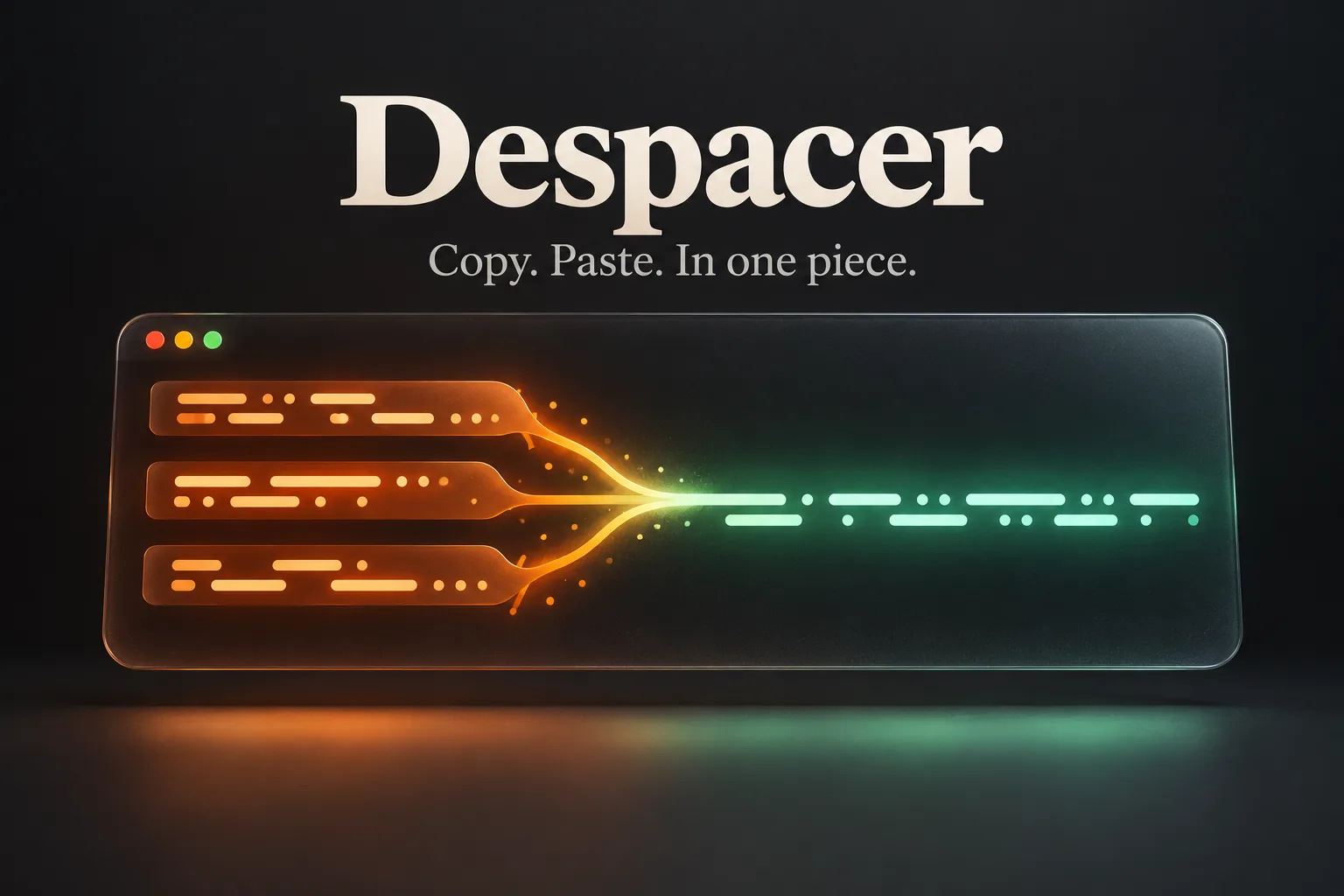
Despacer is a free, open source Mac menu bar app that repairs long commands copied from Claude Code and Codex in the terminal. Both agents wrap long lines themselves, printing a real newline and a two-space indent, so a copied command pastes in pieces and doesn’t run. Despacer fixes a terminal copy in two steps. Its wrap rules remove the indent and rejoin the breaks that wrapping caused, right away. A moment later it looks for the copied text in the session files Claude Code and Codex keep on the Mac and, on a match, puts the original command on the clipboard exactly as the agent wrote it. It ignores copies from other apps, makes no network connections, collects no data, and keeps only the last ten fixes in memory for Undo Last Fix. It needs macOS 14 Sonoma or later and, for now, installs by building from source with one script.
I got tired of copying a command from Claude Code or Codex, pasting it into my terminal, and watching it fall apart. Those line breaks aren’t just visual wrapping. They come along for the ride.
So I built Despacer: a tiny Mac menu bar app that puts wrapped commands back together. Copy and paste the way you already do. It repairs the breaks and can recover the original text from your local agent session history.
It’s free and open source under the MIT license. No network access, no analytics, no data collected. And if a repair misses the mark, Undo Last Fix brings your original copy back.
Why do long commands from Claude Code and Codex paste broken?
Claude Code and Codex draw their output themselves, and both wrap long lines to fit the terminal before printing them. Each wrap is a real newline followed by a two-space indent. The terminal never sees one long line. It sees, and copies, separate lines.
That’s why no terminal setting fixes it: the original line endings never reach the terminal. The example in the README is a long curl command with a long download URL. It copies as four indented lines, with the URL split in the middle, and it doesn’t run.
How does Despacer fix a copy?
Despacer checks the clipboard 20 times a second, since macOS has no clipboard notification. When a copy came from a terminal app, it repairs it in two steps. Copies from other apps are never looked at.
Step one: wrap rules, right away
It removes the two-space indent and the padding at the ends of lines, then rejoins every line break that wrapping caused: a break where the next word wouldn’t have fit on the line above. A word too long for a line was split in the middle, so that break is joined without a space. Every other line break stays, and so does any line ending in a backslash. This version goes on the clipboard at once.
Step two: an exact match, a moment later
In the background, Despacer looks for the copied text in the session files Claude Code and Codex keep on your Mac, ignoring all spaces and line breaks. It checks sessions active in the last day, newest first. On a match, it puts the original text on the clipboard exactly as the agent wrote it, unless you’ve copied something else since.
The wrap rules get most commands right. Some breaks are impossible to tell apart, like a selection that starts in the middle of a line, and the exact match settles those.
The app is under 1,400 lines of Swift, and the fixing engine is about 250, with tests built from real broken copies.
How do I install and set up Despacer?
For now, you install Despacer by building it from source. It takes about a minute.
- Install Apple’s command line tools if you don’t have them:
xcode-select --install. - Clone the repo and run
./build.sh --install. That builds Despacer.app, copies it to your Applications folder, and opens it. - In the Preferences window, under System, turn on Open at login so Despacer is always ready.
Newer versions of macOS ask whether Despacer may read what you copy. Choose Allow. If you chose Don’t Allow, change it in System Settings > Privacy & Security > Paste from Other Apps. The Permissions pane in Despacer has a button that takes you there.
After that, there’s nothing new to learn: select a command, press Cmd+C, and paste. Despacer knows Terminal, iTerm2, Ghostty, Warp, kitty, Alacritty, WezTerm, Hyper, Tabby, and Rio out of the box. Under Terminals you can add other apps, such as a code editor with a built-in terminal, or uncheck any you don’t want it to watch.
What Despacer doesn’t do
Despacer does one job and leaves a lot alone:
- It doesn’t read copies from apps that aren’t on its Terminals list.
- It doesn’t touch text that was never broken, like ordinary terminal output. It only repairs text with the two-space indent the agents print, or text it finds word for word in their session history.
- It doesn’t connect to the network, and it has no account, analytics, crash reporting, or tracking.
- It never changes, copies, or uploads the agents’ session files. It only reads them, and Match session history turns that off.
- It doesn’t keep your fixes. The last ten stay in memory so you can undo them, and they’re gone when Despacer quits.
It can still get one wrong. Without an exact match, the wrap rules have to guess. If a copy comes out joined when it shouldn’t, Undo Last Fix in the menu bar puts back exactly what you copied, and Recent fixes under Fixing keeps the last ten. If it keeps happening, turn off Repair other wrapped text so Despacer only fixes what it finds in session history, and send me the text in a GitHub issue so the rules can get better.
Can I use it from the command line?
Yes. The same engine works as a command line filter, for scripts or for text you’ve already pasted somewhere. Build it with swift build -c release, then run pbpaste | .build/release/despacer | pbcopy. Add --explain to see which method it used, or --no-transcripts to use only the wrap rules.
Where to get Despacer
Despacer runs on macOS 14 Sonoma or later and is available in nine languages. It’s free under the MIT license, and there’s nothing to buy or unlock.
The README covers every setting, troubleshooting, and how to uninstall. For a shorter overview, see the Despacer project page.