Weatherling Reached #8 in Mac App Store Utilities. It Started with Rain.
· Matt Senter
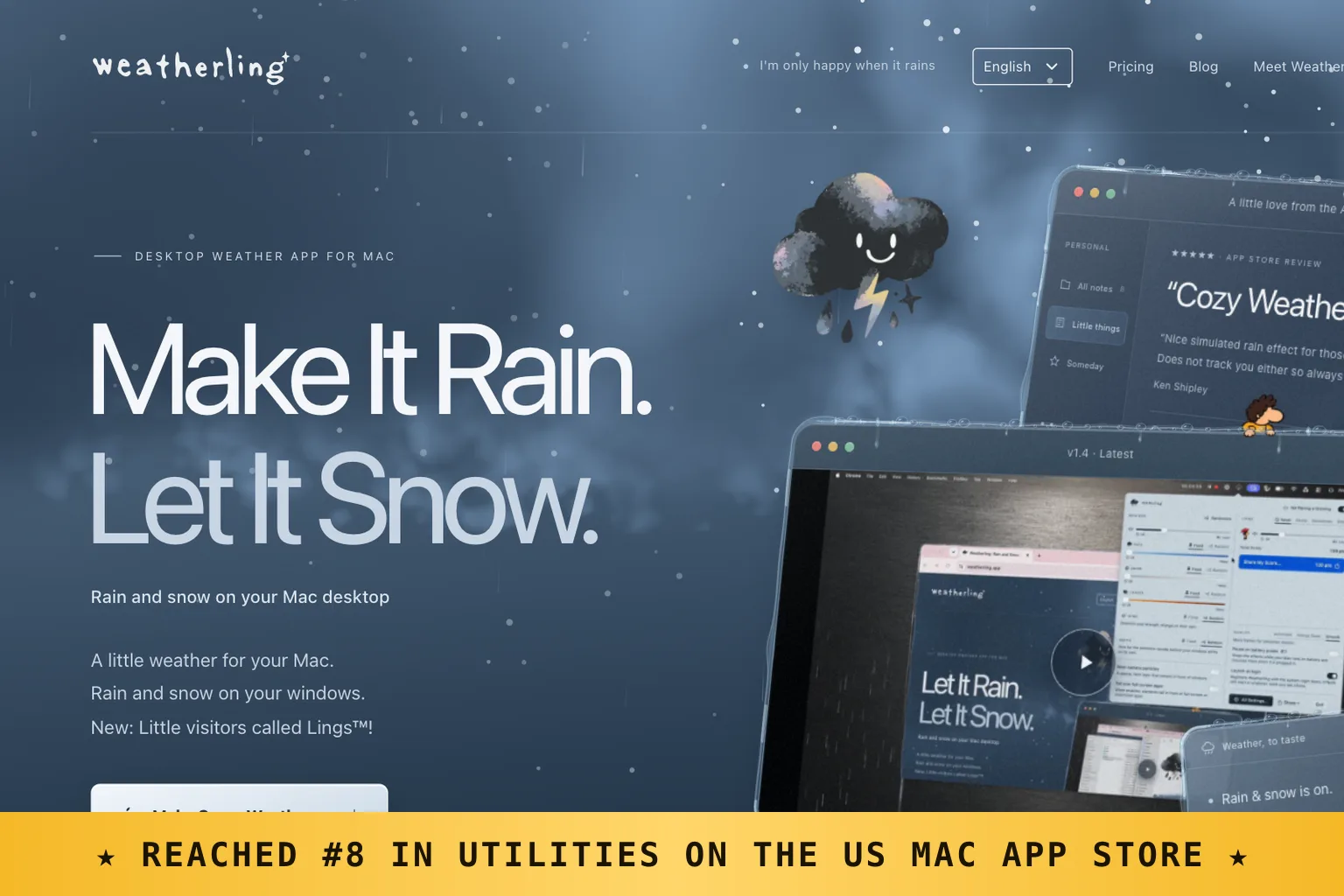
On September 29, Weatherling reached eighth place in Utilities on the US Mac App Store. I had released version 1.0 on September 25. Four days later, people were downloading version 1.2, which had rain, optional rain sounds, and Dan, the very first Ling.
I hadn’t bought ads or arranged press coverage. There was no Product Hunt launch. People were telling each other about it, and that was enough to get this little app onto the chart.
I wanted my desktop to feel like mine
For years, my Mac had looked much the same: the Golden Gate wallpaper, the Dock, and a collection of flat windows. I missed playing with themes and making a computer feel personal. Swapping out the wallpaper only went so far, especially once my work covered it up.
What I wanted was rain that could touch the windows I was using. Drops would hit a title bar, pool at a corner, and trickle down an edge. If one window sat behind another, the rain should respect that order too.
That became Weatherling. You choose the weather on your desktop to suit your mood. There’s no forecast to check, no temperature reading, and no radar map. I wanted to enjoy the rain while I worked.
A reason to learn Metal
I also wanted an excuse to learn Apple’s Metal framework. Having an app I intended to release gave me a reason to keep working through the parts a tutorial might let me skip.
There was plenty to figure out: thousands of moving particles, glass that looked wet, and water that followed the edges of actual windows. All of it needed to run without noticeably draining the battery or making the fans spin up.
I wanted it to work without permission prompts, including Screen Recording. Weatherling uses the window positions macOS makes available to apps; it doesn’t read what those windows contain. Designing around that limit was a big part of what I learned.
A small app can still reach the charts
To put the ranking in perspective, downloads were in the hundreds, not the hundreds of thousands. Weatherling cost $1.99 as a one-time purchase. I hadn’t expected that scale to be enough for eighth place in US Utilities. If you make small apps, that’s an encouraging data point.
The responses meant more to me than the ranking. At the time of writing, every App Store review had given it five stars. People have been kind in their feedback, and they’ve enjoyed collecting the Lings that occasionally wander across their windows. You can switch those visitors off if you’d rather have the weather on its own.
More weather, one release at a time
After that September milestone, version 1.3 brought snow. Version 1.4 added autumn leaves and more Lings, alongside the ongoing fixes. As I write this, 1.5 is with Apple for review, bringing sunshine and another batch of Lings. Requests from the people using Weatherling have helped me decide what to build next.
Weatherling is available on the Mac App Store for macOS 14 and later. If you’ve downloaded it, shared it, or sent me feedback, thank you. Those recommendations got it to number eight, and they’ve given me plenty of reasons to keep going.